

Location verification
If you defined coordinates and a radius for the checkpoint, the scan location is measured. A scan made from far away is not rejected; it is flagged with its distance, and the decision is yours.
| Time | Staff | Checkpoint | Status |
|---|---|---|---|
| 22:04 | Ahmet K. | Main entrance gate | Location verified |
| 22:19 | Ahmet K. | Car park B1 | Location verified |
| 22:33 | Ahmet K. | Generator room | No location |
| 22:47 | Ahmet K. | Warehouse | Location verified |
| – | Ahmet K. | Roof level | Not scanned |
The panel sets things up centrally, the phone records the field, and the report brings the two together.
Add your projects and patrol checkpoints in the panel. Generate and print a QR code for each checkpoint and put it up at the spot.
Staff log in from their phone with their own code and password and scan the QR code at the checkpoint. With no connection, the scan waits on the device and is sent when the connection returns.
Scans are listed in the panel with time, staff member and location. Filter and export the report; PDF, Excel and email options depend on the plan.
Before a record is created, the server checks that the code matches an active checkpoint of your company. Then the location and duplicate checks run. See all features
If you defined coordinates and a radius for the checkpoint, the scan location is measured. A scan made from far away is not rejected; it is flagged with its distance, and the decision is yours.
If the same staff member scans the same checkpoint again within 5 minutes, no second record is created.
In places with weak coverage, such as basements and car parks, the scan waits on the device. It is sent when the connection returns; the same scan is never recorded twice.
Filter by date, staff, project and checkpoint. Export and sending by email are plan features.
They log in with a code and password and scan the QR code at the checkpoint. The rest happens on the phone automatically.
The field screen runs in the browser and can be added to the home screen. Scanning a QR code needs camera permission; browsers only open the camera on a secure (https) connection.
Incidents are reported from the field with a title, description, severity, photo and location; the manager tracks the status as open, under review or closed.
One button sends a notification and an email to the manager and opens a banner on the panel. If pressed by mistake, the call can be cancelled within 60 seconds.
If you work with a guard clock or signed paper forms, this is the difference of documenting the same patrol with records.
| Topic | Paper log | devriye.co |
|---|---|---|
| Record | Filled in by hand and signed | Stored on the server with time, person and location |
| Skipped checkpoint | Noticed at the end of the shift or when a complaint comes in | If a round plan is defined, you get an alert for a missed round and for an overdue checkpoint |
| Reporting | Compiled by hand | Filtered by date, staff, project and checkpoint; PDF and Excel (depending on the plan) |
| Showing it to the customer | Photocopy or scan | The report is exported or sent by email (depending on the plan) |
The same method works in any setup that has checkpoints, staff and reporting.
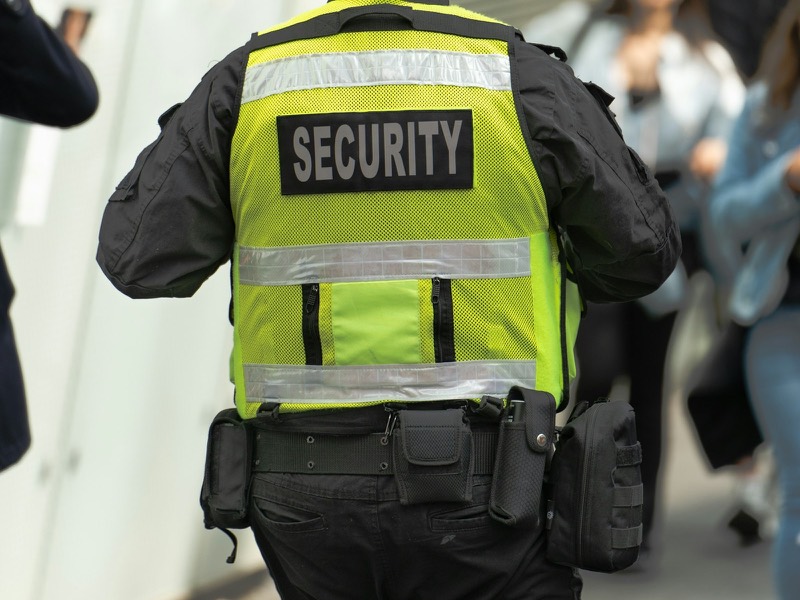
 Security companiesShow your customer the patrol service with records.
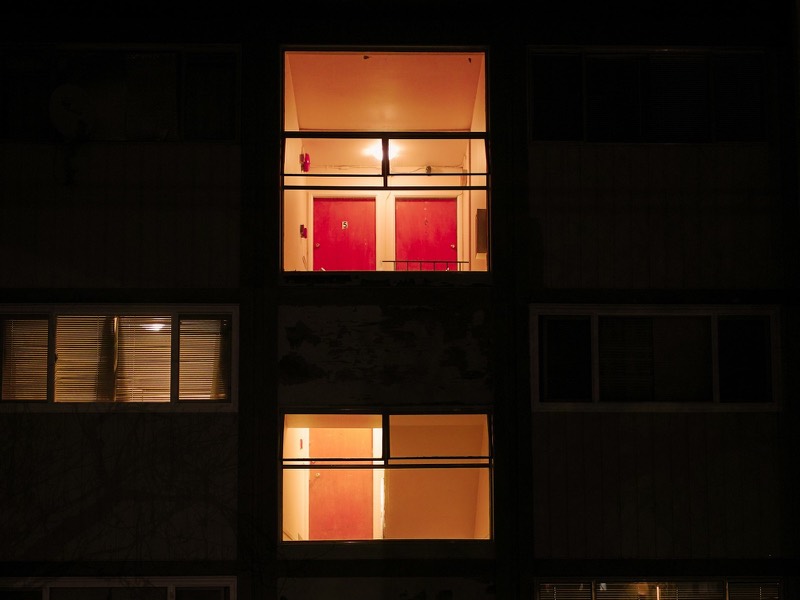 Housing complex and building managementPass watchman rounds and incidents on to the manager.
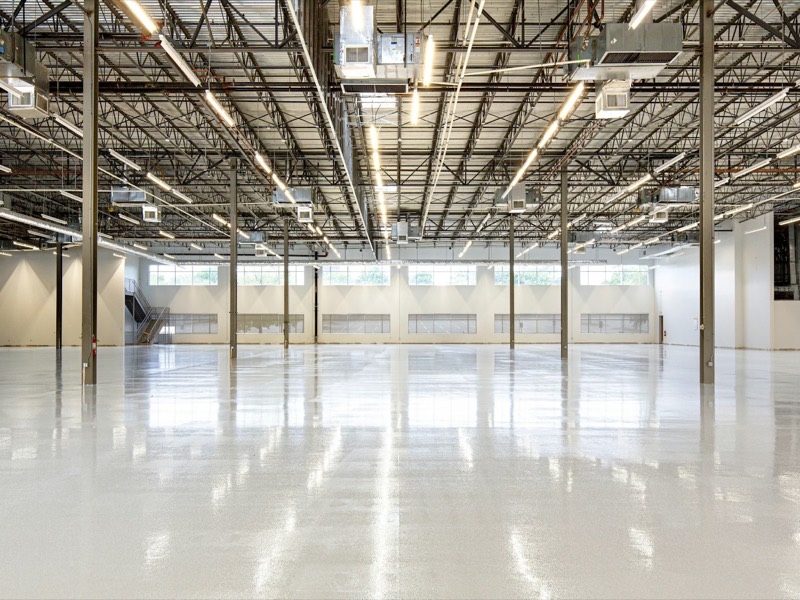 Logistics and warehousesDocument site and loading-area checks.
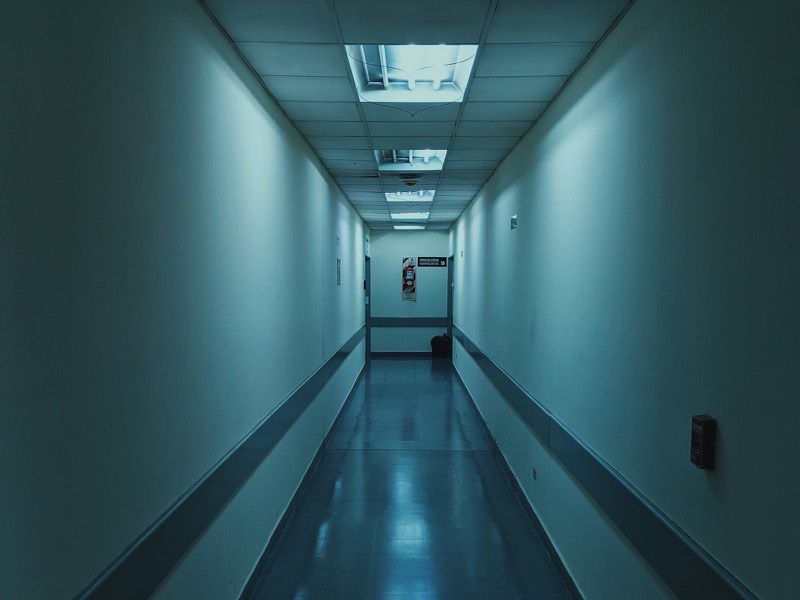 Healthcare facilitiesRecord corridor and technical-room rounds.
 Retail and shopping mallsTrack exterior and car park rounds outside the stores.
Every checkpoint scanned during the night is recorded with time, staff member and location. Filter the report by date, staff, project and checkpoint; PDF, Excel and email options depend on the plan.
Request a demoThe monthly amount is the price per employee multiplied by the number of active employees at billing time; a minimum of 3 employees is counted. Prices exclude VAT; 20% VAT is added on the invoice. After the demo call we can open a 7-day free trial; no invoice is issued during the trial.
| Plan and price Per employee, monthly, excl. VAT |
Basic plan ₺99.00 per employee / month | Standard plan ₺139.00 per employee / month | Corporate plan ₺189.00 per employee / month |
|---|---|---|---|
| Email and support requests | Not included | Included | Included |
| Your own logo on printed QR codes | Not included | Not included | Included |
| Advanced reports | Not included | Included | Included |
| Detailed reports | Not included | Included | Included |
| PDF export | Not included | Included | Included |
| Excel export | Not included | Included | Included |
| Sending reports by email | Not included | Not included | Included |
| Manual QR entry for staff | Not included | Included | Included |
| Bulk QR printing | Not included | Included | Included |
Worked example: For 10 active employees on the Basic plan: ₺99.00 × 10 = ₺990.00; 20% VAT ₺198.00; monthly total ₺1,188.00.
We describe on a separate page what works as a safeguard and what is set separately by contract. Security and compliance page
If your answer is not here, write your question in the demo form.
No. The field screen runs in the browser and can be added to the home screen. Scanning a QR code needs camera permission; browsers only open the camera on a secure (https) connection.
The scan is stored on the device and sent to the server when the connection comes back. Even if the same scan is sent twice, only one record is created.
The panel generates a QR code for each checkpoint. You can print them one by one or in bulk; bulk printing and printing with your own logo are plan features.
No. Only the number of active employees sets the price.
We do not offer a public API at the moment. In the Standard plan and above, reports can be exported as PDF and Excel; tell us your integration needs in the demo form.
Fill in the form. We will contact you in the time slot you choose and show you the panel using your own operation.
Photos are from Unsplash (Collin, Krzysztof Hepner, Josh McCausland, Chelaxy Designs, Craftsman Concrete Floors, Gonzalo Kenny, Yuriy Vertikov, Quilia, Grace Anne Bobadilla) and Pexels (Nikolai Lapshin), used under their free-use licenses.